
Skip to content
inEntertainment
Navigation
  • About
  • Products
    • Modules
    • Downloads
  • Get a Quote
  • Support/FAQs
  •  Talent Login
  • About
  • Products
    • Modules
    • Downloads
  • Get a Quote
  • Support/FAQs
  •  Talent Login

How to Install the IE Plugin for Chrome

Richard Gaskin March 19, 2020

A

How to Install the IE Plugin for Chrome

Step 1

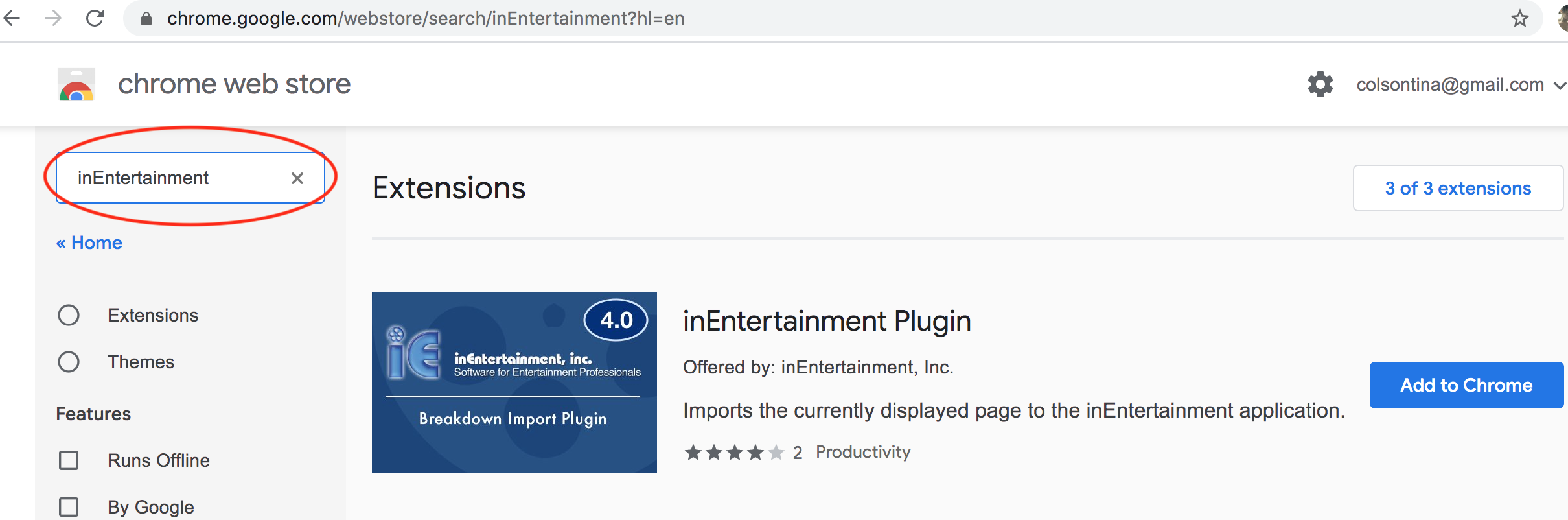
Search Chrome Web Store Extensions or go to this website:  https://chrome.google.com/webstore/category/extensions?hl=en

Locate the search bar and search for inEntertainment. Click on Add to Chrome.
Step 2

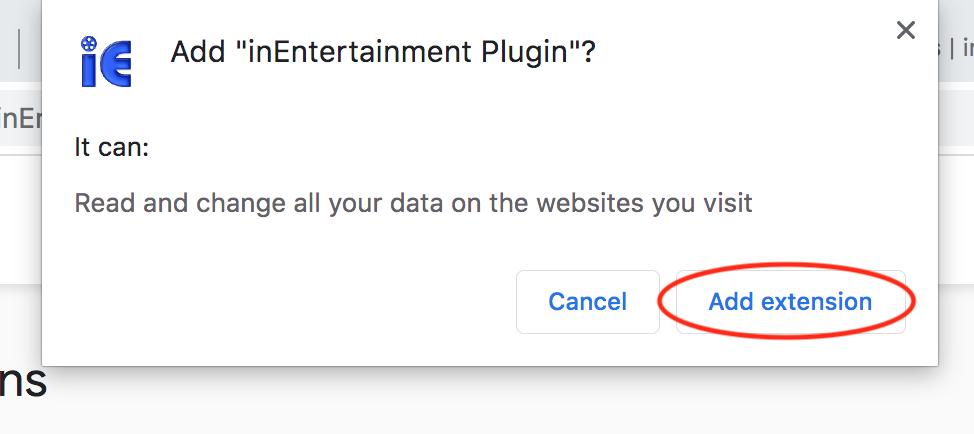
Click on Add Extension. You don’t have to Sync it, but you can if you want to.
Step 3

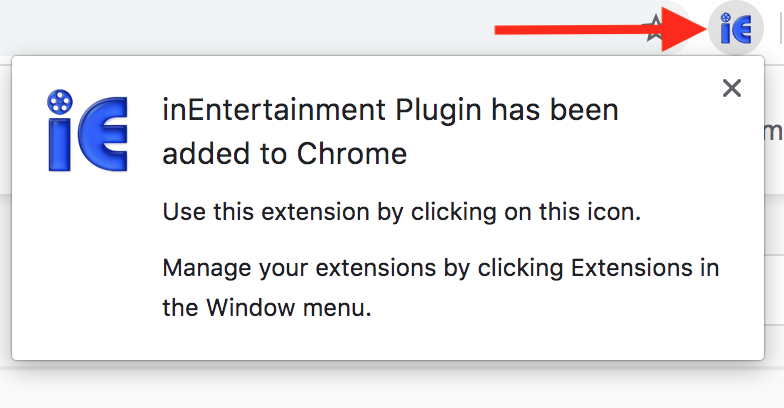
The IE plugin should appear to the right of the address bar.
Permalink
  • ABOUT
  • PRODUCTS
  • GET A QUOTE
  • SUPPORT/FAQS
  • PRIVACY POLICY
  •  TALENT LOGIN
FacebookX
©2026 by inEntertainment, Inc. All rights reserved.